
Tres pasos.
Esa es toda la guía.
No necesitas buena luz, una habitación ordenada ni pulso firme. Gira el móvil en horizontal, cambia a la lente 0,5× y ponte en la esquina. Pixoobi hace el resto.
Funciona con cualquier móvil · sin edición · Pixoobi arregla el resto
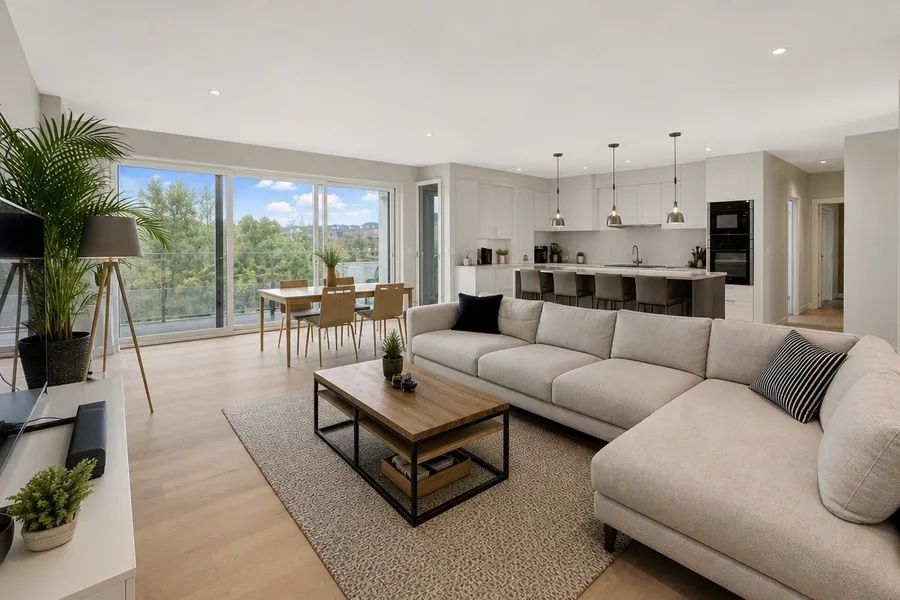
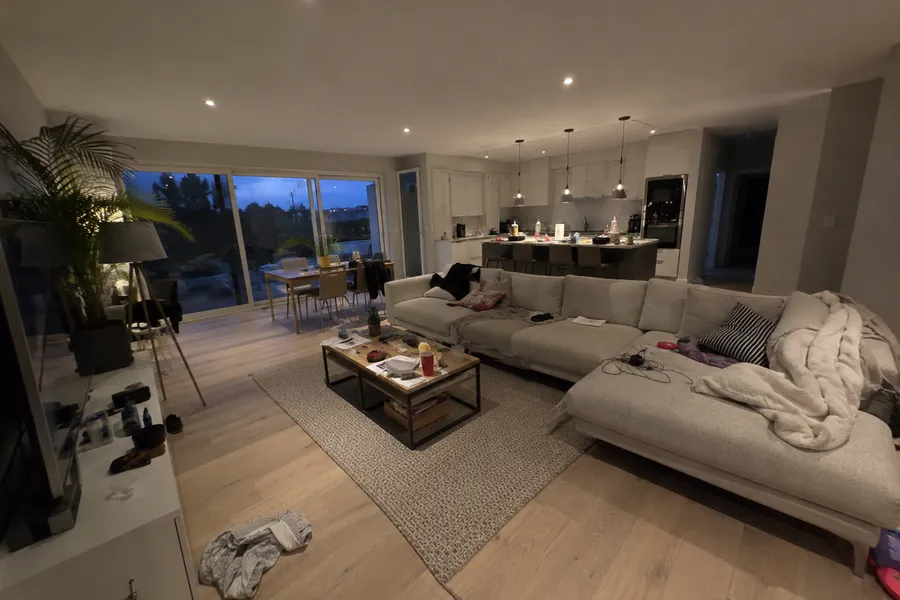
Izquierda: directamente del móvil. Derecha: lo que devuelve Pixoobi.
Toda la guía, en tres pasos.
Sin montar luces, sin limpiar, sin buscar el ángulo perfecto. Haz estas tres cosas y la foto será lo bastante buena para que Pixoobi la termine.
Gira el móvil en horizontal
Sujétalo en horizontal, no en vertical. Un encuadre amplio muestra toda la estancia tal como los compradores esperan verla.
Cambia a la lente 0,5×
Toca 0,5× antes de hacer la foto. La lente ultra gran angular hace que incluso las estancias pequeñas parezcan amplias y espaciosas.
¿No tienes lente 0,5×? Simplemente da un paso más atrás hacia la esquina.
Ponte en la esquina
Colócate de espaldas en una esquina de la estancia y capta todo el espacio en una sola foto. Ese es el único ángulo que necesitas.
Olvídate del resto. En serio.
¿Ya la has hecho desde la esquina? Tu trabajo está terminado. Pixoobi corrige la luz y el color, endereza las paredes y elimina el desorden automáticamente, en cada foto del conjunto.
- Estancias oscuras y ventanas quemadas
- Dominantes de color amarillas o azules
- Paredes inclinadas y torcidas
- Desorden, cubos de basura y cables
- Cielos grises y césped irregular
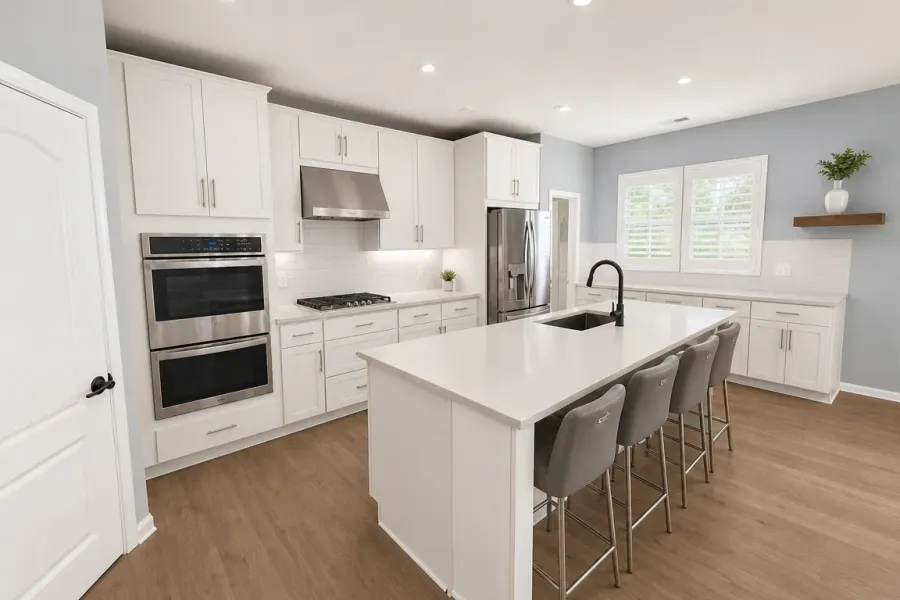
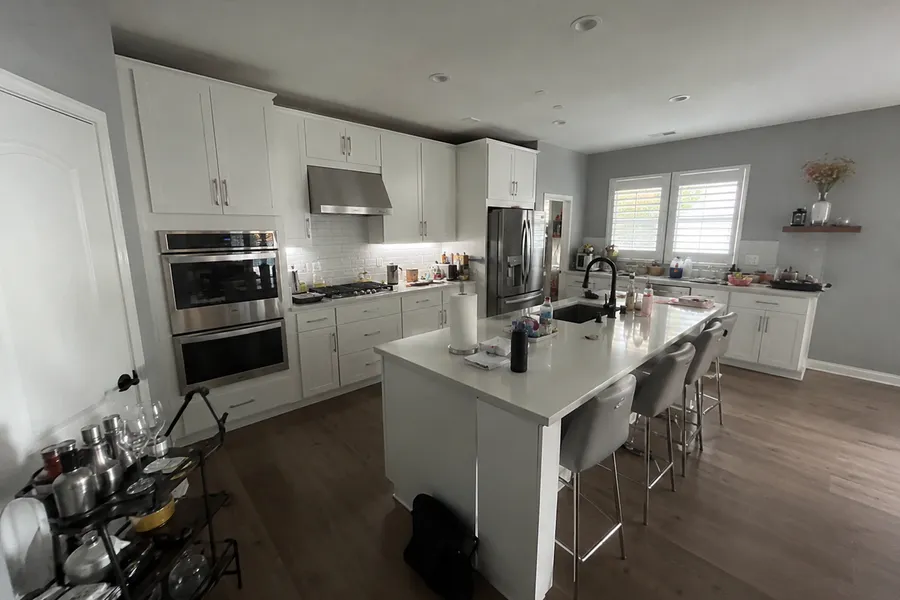
Misma foto, hecha con el móvil desde la esquina.

Una foto floja puede hundir un buen piso.
No lo permitas.
Sube una foto del móvil y recíbela lista para el anuncio en minutos. Pruébalo gratis, sin necesidad de tarjeta.
Sin tarjeta · sin permanencia